Why Flipkart's PDF needs cropping
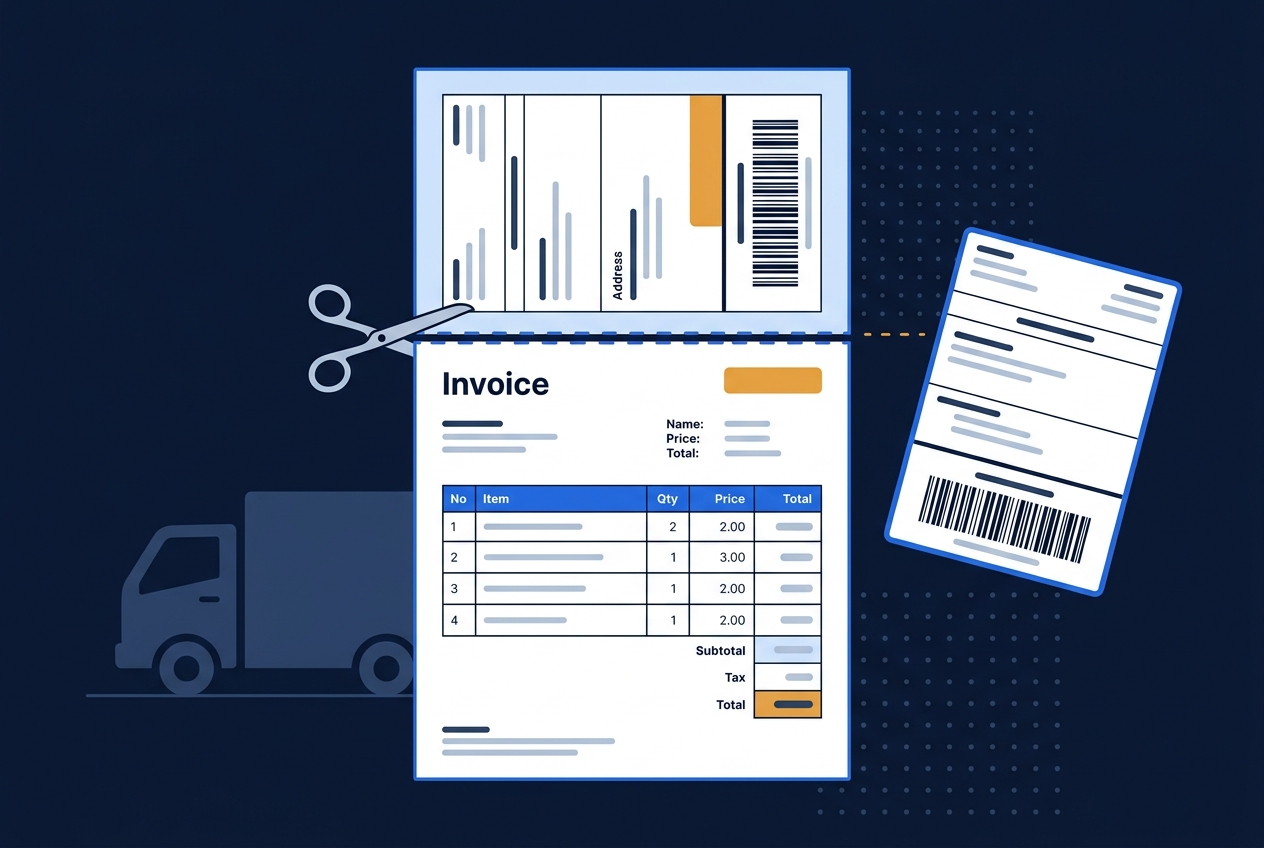
Flipkart Seller Hub generates a full-page PDF with the shipping label and tax invoice printed together. Where Amazon uses a more compact layout, Flipkart spreads this across the whole page, which doesn't fit most label printers without cropping first.
What gets kept
- The full-width shipping label, barcode included
- Delivery address and order details on the label
The invoice section is removed from the cropped copy.
Step-by-step
- 1Download the label PDF from Flipkart Seller Hub.
- 2Open the Flipkart Shipping Label Cropper.
- 3Upload the file.
- 4The tool crops the page down to the label-only region.
- 5Preview and download.
Selling on Shopsy too?
Shopsy uses the same label format as Flipkart, so the same cropper (or the dedicated Shopsy Shipping Label Crop tool) works for both without any difference in output.
Combining with other marketplaces
If you dispatch Flipkart orders alongside Amazon or Meesho on the same day, crop each PDF with its own tool first, then combine them into a single sorted print run with Merge Marketplace Labels, which groups labels by courier.